Operational Scope
The system manages employee and contractor security records, temporary and permanent pass operations, security clearance tracking, image handling, document generation, grouping, renewals, and settlement-related workflows.
Internal Desktop System
An offline security and staff management system built in C# WinForms for airport and facility security operations, designed around real operational constraints, Arabic/RTL workflows, and paperwork-heavy processes.
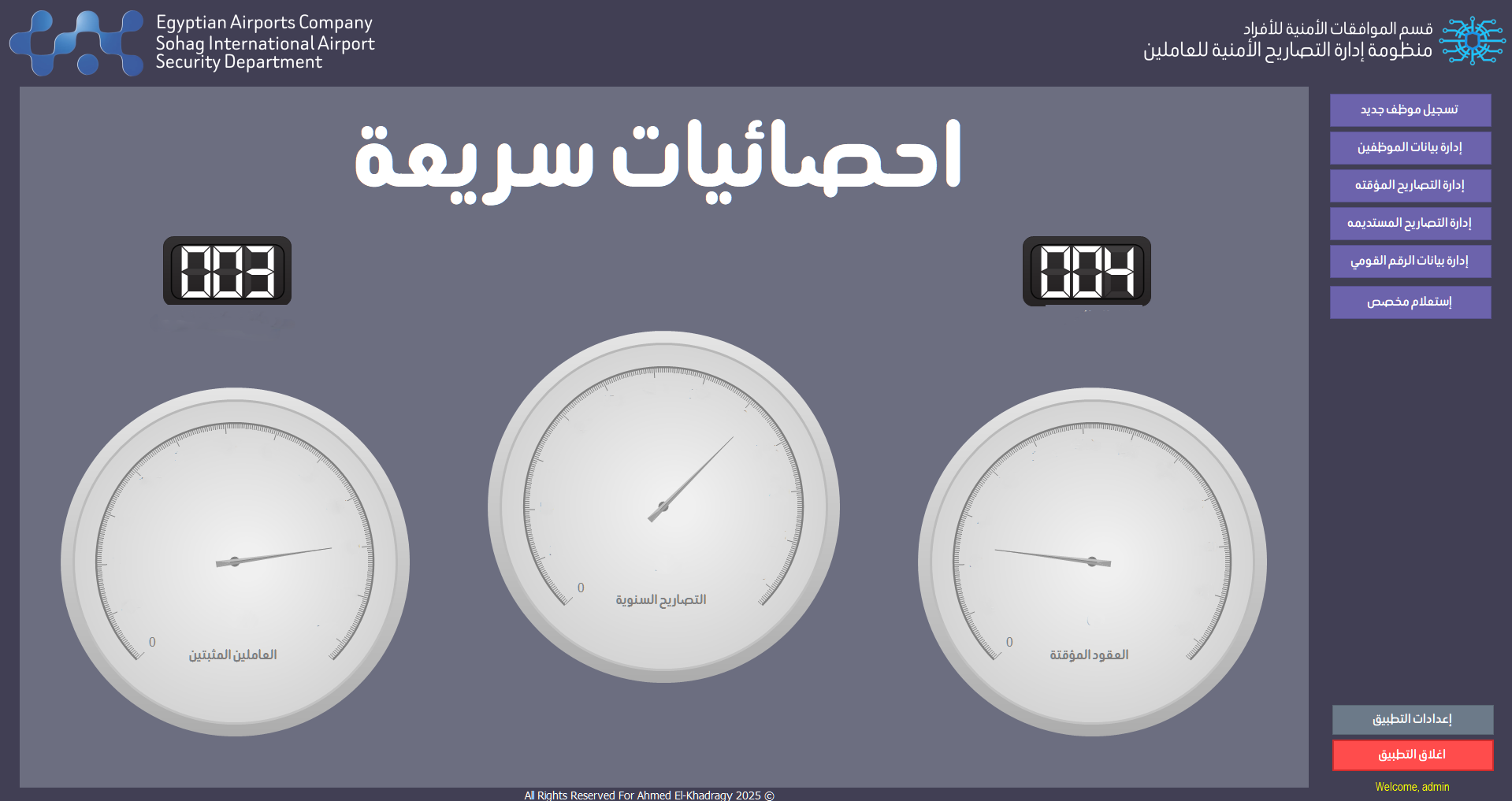
Built for controlled environments where reliability, local data, and compatibility with existing infrastructure matter more than cloud connectivity.
The system manages employee and contractor security records, temporary and permanent pass operations, security clearance tracking, image handling, document generation, grouping, renewals, and settlement-related workflows.
The application was intentionally designed as an offline-first desktop system for limited or no internet access, legacy deployment constraints, operational security requirements, and stable daily use on controlled machines.
A dense operational toolset for security administration teams.
Centralized Arabic and English staff records with job titles, departments, national ID information, pass data, employment status, phone numbers, and operational tracking fields.
Temporary passes, permanent pass issuance and renewals, lost pass handling, airside workflows, first-time issuance, suspension, cancellation, and renewal batches grouped by JobNumber.
Staff photos, national ID front/back images, permanent pass images, staged image workflows, placeholder handling, PDF slicing, image extraction, and print preparation support.
Word template generation for addition requests, cover sheets, background checks, ID layouts, renewal reports, financial reports, settlement reports, and signature sheets.
Ongoing renewal tracking, settlement workflow support, data update tracking, job title change tracking, unsaved changes protection, configurable settings, and dynamic path configuration.
MSI installer deployment, offline installation support, x86/x64 compatibility handling, ACE provider management, Syncfusion startup registration, and target-machine troubleshooting.
A custom domain-specific language built into the system for readable, controlled internal querying without exposing the database directly.
HMBQL is implemented as a separate class library with a tokenizer, parser, abstract syntax tree, SQL compiler, QueryEngineV01, and CatalogStoreV01.
GET FullName, Department
FROM Staff
WHERE Department = "Security"The in-app console includes a query editor, suggestion list, CLI-style interaction, keyboard-friendly execution, result grid, export support, and a HELP command concept.
Queries compile into parameterized OleDb SQL with positional parameters, date parsing, automatic lookup joins, department translation, alias mapping, and controlled execution.
Production-focused engineering for a real operational environment.
Local Access database storage, file-based image and document organization, dynamic OLE DB provider handling, and centralized file/path management.
Reusable document generation helpers for bookmark replacement, table population, image insertion, Arabic/RTL formatting, safe saving, and batch generation.
Dense DataGridView workflows, modular UserControls, single host form architecture, custom dialogs, DPI-aware layouts, keyboard-friendly operation, and older hardware support.
The stack reflects the needs of an offline Windows desktop environment.
I designed and developed the system architecture, WinForms workflows, database integration, document automation, image and PDF handling, file management infrastructure, installer process, UI/UX workflows, Arabic/RTL support, and the HMBQL language.
The system centralizes security and pass-management workflows, reduces manual paperwork, improves operational consistency, standardizes file organization, automates document generation, and adds structured querying through HMBQL.